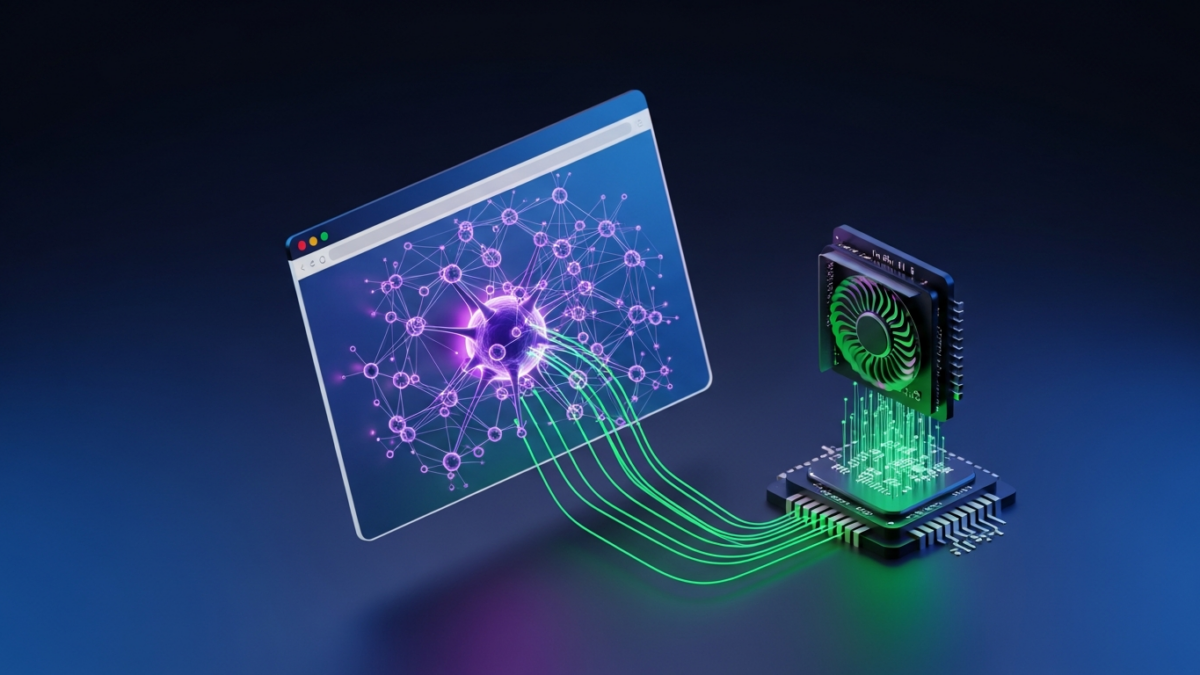

For years, the browser has been the ultimate application platform, but it has historically hit a wall when it comes to heavy artificial intelligence. Running a Large Language Model (LLM) client-side usually meant accepting a crawl-inducing latency that made real-time interaction impossible. Developers were forced into the expensive, latency-prone loop of API calls to cloud servers, sacrificing user privacy for speed.
That dynamic is shifting abruptly. Microsoft’s release of ONNX Runtime (ORT) Web v2.0 is not merely an incremental update; it represents a fundamental architectural pivot. By integrating stable support for the WebGPU API, this version shatters the previous performance ceiling, pushing “Time to First Token” (TTFT) below the critical 100ms psychological threshold on consumer hardware. We are moving from a “cloud-first” to an “edge-first” AI paradigm, and the browser is the primary beneficiary.
Under the Hood: How WebGPU Changes Everything
To understand why v2.0 is a pivotal advancement, we have to look at the limitations of the past. Browser-based machine learning previously relied on two primary paths: pure WebAssembly (WASM) running on the CPU, or WebGL hacks repurposed for compute. WASM is portable but notoriously slow for the massive matrix multiplications required by deep learning. WebGL offered GPU acceleration, but it was designed for rendering graphics, not general-purpose compute. Translating tensor operations into WebGL shaders introduced massive overhead and was often unstable.
ORT Web v2.0 bypasses these bottlenecks by utilizing the native WebGpuExecutionProvider. WebGPU exposes a modern, low-overhead architecture that allows developers to access the GPU’s compute capabilities directly via “Compute Shaders.” This eliminates the translation layer required by WebGL.
The execution flow is now streamlined for efficiency: The JavaScript application loads the model weights, ONNX Runtime Web manages the graph optimization, and the WebGPU API dispatches compute commands directly to the device’s VRAM. This direct access minimizes data transfer between the CPU and RAM, a notorious choke point in previous versions. Meanwhile, heavy lifting like tokenization and pre-processing is offloaded to Web Workers, ensuring the main UI thread remains unblocked and the interface stays responsive, even as the model crunches millions of parameters.
Benchmarks: Breaking the 100ms Latency Barrier
In the world of conversational AI, latency is the enemy of user experience. If a user waits more than 100-200ms for a character to appear, the conversation feels “laggy.” Previous iterations of browser-based AI struggled to break the one-second barrier for Time to First Token (TTFT).
With the v2.0 update, the performance delta is stark. Consider the benchmarks for a compact but capable model like Phi-3-mini (approx 3.8B parameters).
- Scenario A (v1.x / WASM CPU): Inference relies on system RAM and CPU cycles. TTFT is typically around 1500ms to 2000ms. This is fine for batch processing but unusable for chat.
- Scenario B (v2.0 / WebGPU): Inference offloads to the GPU. TTFT drops to approximately 80ms-95ms on standard integrated graphics (like Intel Arc or AMD Radeon).
Furthermore, the generation speed (Tokens Per Second or TPS) often exceeds 15 tokens per second, which is faster than the average human reading speed. This speedup is achieved through a combination of GPU raw power and aggressive memory optimization. The runtime now employs pre-emptive memory management, allocating buffers in VRAM more efficiently. This prevents the browser crashes that used to occur when model weights exceeded available memory, a common frustration with previous WebML attempts.
However, performance relies heavily on quantization. To fit these models into the limited VRAM of mobile devices or integrated laptop GPUs, developers must use INT4 quantized models. This compression technique reduces the model size by roughly 75% with minimal impact on perceptual accuracy, making it the standard for client-side deployment.
Developer Implementation Guide: Building a Local Chatbot
For developers ready to make the jump, the implementation process has been streamlined. The first step is integrating the runtime into your project via NPM:
npm install onnxruntime-webBefore writing code, you need a model in ONNX format. While you can download pre-converted ONNX models, many developers prefer converting existing PyTorch or Hugging Face models. The ONNX converter tools are mature, but for web deployment, specific optimizations are required. You must use the ONNX transformer tool to optimize the graph for the web environment, ensuring operators are fused and memory layouts are flattened for the browser.
The core of the implementation lies in how you instantiate the InferenceSession. Unlike previous versions where you might rely on the default ‘wasm’ backend, v2.0 requires you to explicitly call the WebGPU execution provider.
import * as ort from 'onnxruntime-web';

// Set up the session configuration
const sessionOptions = {
    executionProviders: ['webgpu'],
    enableProfiling: false,
};

// Initialize the session
const session = await ort.InferenceSession.create('./path/to/model.onnx', sessionOptions);

// Prepare inputs (e.g., tokenized prompt)
const feeds = { input: inputData };

// Run inference
const results = await session.run(feeds);
Memory management is a critical consideration in Single Page Applications (SPAs). Unlike a server process that might run indefinitely, browser tabs can be suspended or closed. You must explicitly dispose of sessions when they are no longer needed to prevent VRAM leaks. A common pattern is wrapping the inference logic in a try/finally block to ensure session.dispose() is called, freeing up the GPU for other tasks.
Challenges and Limitations
While the performance gains are impressive, the technology is not without friction. The primary hurdle is browser compatibility. WebGPU is currently stable in Chrome (113+), Edge, and Firefox Nightly. Safari is implementing support, but it often lags behind or requires flags to be enabled in preview builds. This means that for a production application, you must implement a fallback strategy—usually reverting to the CPU (WASM) backend if WebGPU is unavailable.
We also face the “Uncanny Valley” of model sizes. While 1B to 3B parameter models run beautifully, attempting to run a 7B parameter model (like Llama-3-8B) on a standard laptop with 8GB of RAM is still a gamble. Even with INT4 quantization, the memory requirements stress the limits of integrated graphics. Developers need to be realistic about the capabilities of their target user’s hardware.
Finally, there is the download overhead. Local inference is fast, but downloading 2GB of model weights on a 4G connection is not. To mitigate this, savvy developers are using Service Workers to cache model assets. This ensures that after the initial download, the application loads instantly, effectively creating a “native” app feel.
The Future Roadmap: What’s Next for ORT Web?
The trajectory for ONNX Runtime Web points toward tighter integration with emerging standards. We can expect future iterations to support WebNN (Web Neural Network API), an abstraction layer that sits on top of WebGPU and other backends. This would make code even more portable, allowing the same application to run efficiently on different hardware accelerators (NPUs) without changing the source code.
Beyond performance, the implication for data privacy is profound. By running models directly in the browser, developers can offer “Zero Data Exfiltration.” User prompts, sensitive documents, and personal context never leave the client device. This capability unlocks new categories of applications for healthcare, finance, and enterprise productivity where cloud processing is prohibited by regulation or policy.
ONNX Runtime Web v2.0 has crossed the latency Rubicon. By breaking the 100ms barrier, it transforms the browser from a simple display terminal into a capable AI engine. As browser support matures and hardware accelerators become standard in mobile devices, the era of the cloud-dependent LLM may soon be drawing to a close.
Get the next deep dive before it hits search.
RodyTech publishes practical writing on AI systems, infrastructure, and software that teams can actually ship. Subscribe for new posts without waiting for an algorithm to surface them.
- One useful email when a new article is worth your time
- Hands-on notes from real builds, deployments, and ops work
- No generic growth funnel copy, just the writing



No comments yet