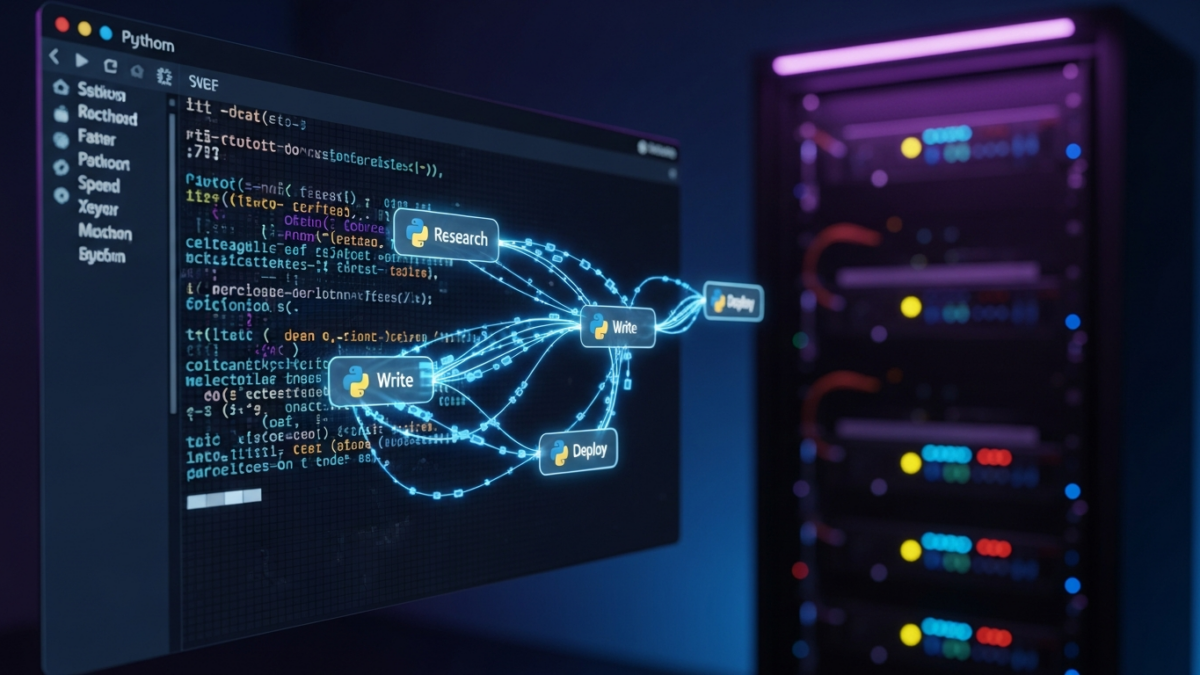

The marketing landscape is shifting beneath our feet. According to the HubSpot State of Marketing Report 2024, 71% of marketers now use generative AI for content creation. Yet, only 28% have fully automated their workflow. The gap isn’t about capability; it’s about architecture. Most teams stop at drafting. I wanted to go further: a system that researches, writes, validates, and deploys content without human intervention until the final sign-off.
This guide details how I built a self-hosted AI agent pipeline using LangGraph, Ollama, and GitHub Actions. We will move from local LLM setup to a fully deployed CI/CD integration, focusing on cost efficiency, accuracy, and technical depth.
The Architecture: Why Agents Over Scripts?
Traditional blog automation relies on static cron jobs or simple scripts. These tools lack context. They can’t decide if a topic is trending or if a draft needs more technical depth. Agents, however, make dynamic decisions based on state.
My stack includes:
- Orchestration: LangGraph for managing complex, multi-step workflows.
- LLM: Llama 3.1 via Ollama for local inference.
- Memory: PostgreSQL with pgvector for semantic search.
- Infrastructure: Docker for containerization and GitHub Actions for CI/CD.
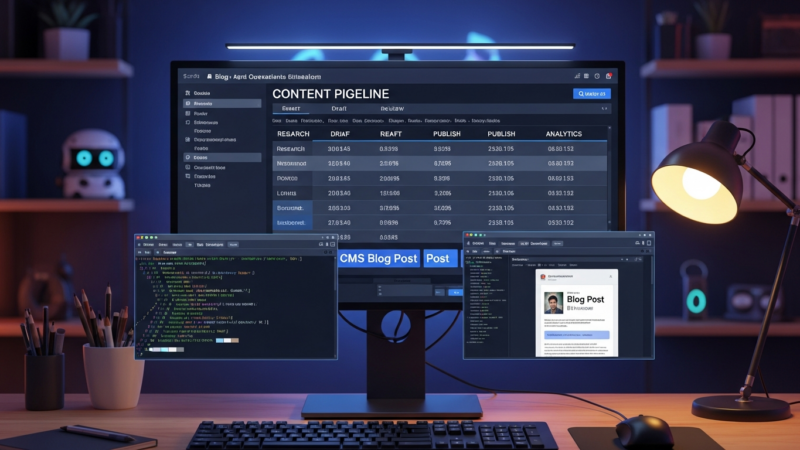
We define three distinct agent personas:
- Researcher: Gathers raw data from RSS feeds and arXiv.
- Writer: Synthesizes information into markdown drafts.
- Editor: Validates tone, accuracy, and SEO structure.
Phase 1: Local LLM Setup & Vector Database
Running LLMs locally via Ollama reduces inference costs by approximately 90% compared to API calls for high-volume tasks (Ollama Blog, 2024). For this project, I used Llama 3.1 8B. To run this locally, you need a machine with at least 16GB of RAM and a GPU with 8GB+ VRAM, though CPU-only inference is possible with slower speeds.
For memory, we use PostgreSQL with the pgvector extension. This allows us to store embeddings of past blog posts and research notes, enabling Retrieval-Augmented Generation (RAG). RAG reduces LLM hallucinations in technical writing by up to 40% compared to prompt-only approaches (Stanford HAI Index, 2024).
We use the nomic-embed-text model for vectorization. It is lightweight, open-source, and highly effective for semantic search in technical domains.
Phase 2: Building the Multi-Agent Workflow
LangGraph allows us to define the state graph explicitly. Unlike LangChain’s simpler chains, LangGraph supports cycles and conditional edges, which are crucial for error handling and iterative refinement.
State Management
First, we define the state schema. This ensures every agent passes consistent data.
from typing import TypedDict, Annotated
import operator

class AgentState(TypedDict):
    topic: str
    research_notes: list
    outline: str
    draft: str
    feedback: str
    final_article: str
The Research Agent
The Researcher agent scrapes RSS feeds and arXiv. It stores raw HTML in a staging bucket. Here is how we query the vector database for context using pgvector:
import psycopg2
from pgvector.psycopg2 import register_vector

# Connect to DB
conn = psycopg2.connect("dbname=blog agent user=postgres")
register_vector(conn)
cur = conn.cursor()

# Query similar past posts
query_embedding = get_embedding("AI agent orchestration")
cur.execute("""
    SELECT title, content
    FROM blog_posts
    ORDER BY embedding  %s
    LIMIT 5
""", (query_embedding,))
context = cur.fetchall()
Synthesis and Writing
The Synthesis Agent uses the retrieved context to draft an outline. The Writer Agent then generates the markdown content. We enforce a specific JSON schema for the output to ensure the CI/CD pipeline can parse it reliably.
import json
from pydantic import BaseModel

class ArticleOutput(BaseModel):
    title: str
    meta_description: str
    content: str
    tags: list[str]

# LLM output validation
try:
    output = json.loads(llm_response)
    validated = ArticleOutput(**output)
except ValidationError as e:
    # Retry with stricter prompt
    pass
Phase 3: Human-in-the-Loop & Validation
Full automation is risky for technical content. I implemented a “critic” agent to check for hallucinations and factual accuracy. This agent compares the draft against the source material.
If the critic flags issues, the workflow loops back to the Writer Agent. If it passes, a Slack webhook notification is sent to the team with a link to the draft. Manual approval is required before the final commit. This hybrid approach balances speed with quality control.
Phase 4: Deployment & CI/CD Integration
Deployment involves containerizing the agent and setting up GitHub Actions. We use Docker to ensure consistent execution across environments.
# Dockerfile
FROM python:3.11-slim
WORKDIR /app
COPY requirements.txt .
RUN pip install -r requirements.txt
COPY . .
CMD ["python", "main.py"]
The GitHub Actions workflow triggers on a schedule or when a new RSS item is detected. It pulls the latest Docker image, runs the agent, and pushes the resulting markdown to the blog repository.
name: Blog Agent Pipeline
on:
  schedule:
    - cron: '0 9 * * 1' # Every Monday at 9 AM
  workflow_dispatch:

jobs:
  run-agent:
    runs-on: ubuntu-latest
    steps:
      - uses: actions/checkout@v3
      - name: Run Agent
        run: docker run -e DB_URL=${{ secrets.DB_URL }} blog-agent:latest
      - name: Commit Changes
        run: |
          git config user.name "Blog Agent"
          git add .
          git commit -m "Auto-generated draft"
          git push
For monitoring, we track logs and token usage. If we use cloud APIs for fallback, cost tracking is essential. However, with self-hosted Ollama, costs are primarily hardware-related.
Lessons Learned & Future Iterations
Building this system revealed several challenges. Context window limits are real; we had to chunk research notes carefully. Token costs, while lower with self-hosting, still add up if the loop retries too often. Improving quality required fine-tuned prompts rather than just larger models.
Looking ahead, I plan to add image generation using Stable Diffusion and an SEO optimization agent. The goal is a truly autonomous content engine.
Key Takeaways
- Agents > Scripts: Dynamic decision-making allows for better content quality.
- RAG is Critical: It grounds the LLM in factual data, reducing hallucinations.
- Self-Hosting Saves Money: Ollama and local LLMs drastically cut inference costs.
- Human-in-the-Loop: Essential for maintaining brand voice and accuracy.
Ready to build your own? Start with a local Ollama instance and a simple LangGraph script. The infrastructure is accessible, and the potential for automation is immense.
Get the next deep dive before it hits search.
RodyTech publishes practical writing on AI systems, infrastructure, and software that teams can actually ship. Subscribe for new posts without waiting for an algorithm to surface them.
- One useful email when a new article is worth your time
- Hands-on notes from real builds, deployments, and ops work
- No generic growth funnel copy, just the writing

No comments yet