

In this article
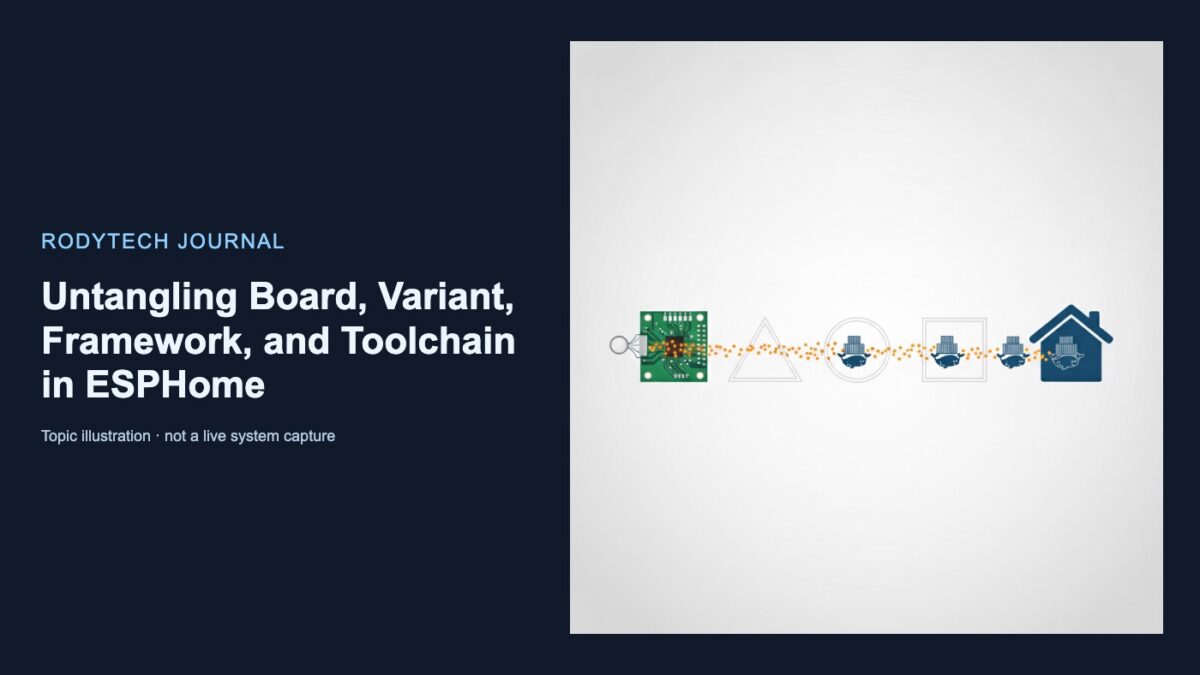
A label such as “ESP32-S3 board” compresses several decisions that ESPHome keeps separate. The physical chip determines the variant. A verified development-board model may justify an optional board definition. The framework provides the underlying software environment, while the toolchain controls how firmware is built. These choices all sit within ESPHome’s esp32: platform configuration (ESP32 platform documentation).
Keeping the terms separate makes examples and copied YAML easier to evaluate. A board declaration can provide useful aliases and defaults, but it does not identify the installed chip or prove that two devices use the same hardware.
What each choice identifies
| Choice | What it identifies | Evidence to use | What it cannot establish |
|---|---|---|---|
| Platform | The ESPHome component family and configuration context, such as esp32: |
The device’s microcontroller family | The exact chip variant or board model |
| Chip variant | The ESP32-family MCU used by the configuration | Chip or module markings and reliable product documentation | Board wiring, pin labels, or flash capacity |
| Board definition | An optional PlatformIO board ID that supplies pin aliases and some internal settings | A verified board model and its documented ID | That the installed MCU or copied configuration is correct |
| Framework | The underlying software framework used by ESPHome | Documented framework support for the selected variant | Which build backend performs compilation |
| Toolchain | How firmware is compiled and which build system is used | ESPHome’s default or an explicit build-backend requirement | The chip, board layout, or framework |
The platform is therefore the organizing context, not a complete hardware description.
Start with the chip variant
The variant field answers the most hardware-specific question: Which ESP32-family MCU is installed?

esp32:
  variant: esp32s3
Here, esp32: selects the ESPHome platform family, while esp32s3 identifies the MCU variant. This distinction matters because “ESP32” can refer either to the wider family or to the original, non-suffixed ESP32 chip. In variant: esp32, it means the original chip.
ESPHome says the variant must match the hardware or flashing will fail. Its documented values include esp32, esp32s2, esp32s3, esp32s31, esp32c2, esp32c3, esp32c5, esp32c6, esp32c61, esp32h2, esp32h4, esp32h21, and esp32p4 (ESP32 platform documentation). Check the current list rather than assuming an older example remains authoritative.
Useful evidence for selecting a variant includes:
- A marking on the MCU or ESP module
- A model printed on either side of the circuit board
- Manufacturer documentation
- Packaging, purchase records, or a reliable seller specification
- Specifications for a verified board model
ESPHome recommends checking both sides of the board because identifying text may be small or printed on the reverse. If no useful marking is visible, purchase records or enclosed documentation may help (Understanding Boards).
Use each fact only as far as it reaches. A marking that identifies an ESP32-C3 supports variant: esp32c3; it does not establish the carrier board’s identity, flash capacity, or external wiring.
Treat the board definition as optional
The optional board field selects a PlatformIO board ID:
esp32:
  variant: esp32
  board: esp32dev
These settings serve different purposes:
variant: esp32identifies the MCU.board: esp32devselects a board definition.
ESPHome documents that board affects pin aliases and some internal settings. It also says this setting is no longer recommended and directs users toward variant instead (ESP32 platform documentation).
A board definition may supply defaults for settings such as flash mode or flash frequency. If those fields are omitted, the PlatformIO board definition or ESP-IDF default may decide them. ESPHome warns that selecting a flash mode or frequency unsupported by the physical flash chip can prevent the device from booting (ESP32 platform documentation).
These defaults do not prove physical properties. A board ID alone cannot confirm:
- Which MCU is installed
- How much flash is present
- How LEDs, relays, displays, or sensors are wired
- Whether a required peripheral is available
- Whether a similar-looking product uses the same design
Use a board ID when the board model is known and its aliases or defaults are useful. Do not treat a copied board declaration as a substitute for identifying the chip.
Choose the framework from documented support
The framework is the software environment beneath ESPHome:
esp32:
  variant: esp32s3
  framework:
    type: esp-idf
ESP-IDF and Arduino are framework choices, not toolchains. Framework selection must remain within the documented support for the selected variant.
ESPHome requires ESP-IDF for ESP32-C2, C5, C6, C61, H2, and P4 because those variants are not supported by the Arduino framework in ESPHome (ESP32 platform documentation). A copied configuration’s framework preference cannot override that constraint.
Use the toolchain to select the build backend
The toolchain determines how firmware is compiled and which build system ESPHome uses:
esp32:
  variant: esp32s3
  framework:
    type: esp-idf
  toolchain: esp-idf
Framework and toolchain remain separate layers. ESPHome’s native toolchain can build both ESP-IDF and Arduino frameworks; when building Arduino, it brings Arduino in as an ESP-IDF component (ESPHome 2026.7 release notes).
Current documentation says an ESP32 configuration uses the native ESP-IDF toolchain when toolchain is omitted. It also documents the PlatformIO toolchain as deprecated and scheduled for removal in ESPHome 2027.2.0 (ESP32 platform documentation). Because that removal date is a future schedule, recheck it when maintaining a long-lived configuration.
The command line can override YAML toolchain selection. If both esp32.toolchain and the --toolchain CLI option are set, the CLI value takes precedence (ESPHome CLI documentation).
A practical selection checklist
- Confirm the platform family. Establish that the device contains an ESP32-family MCU before using
esp32:. - Identify the chip or module. Map its marking to a documented
variant. - Verify the board separately. Add
boardonly when a reliable model name maps to the intended PlatformIO board ID. - Check physical specifications independently. Do not infer flash capacity, wiring, or peripheral availability solely from the board declaration.
- Apply framework restrictions. Confirm that the selected variant supports the requested framework.
- Choose the build backend. Accept ESPHome’s toolchain default unless a specific build requirement calls for an explicit selection.
- Check command-line overrides. A CLI toolchain option can supersede the YAML value.
- Do not resolve ambiguity by copying YAML. Conflicting markings, product listings, and examples require better hardware identification; configuration text alone cannot prove real-device compatibility.



No comments yet