


In this article
OpenAI Agents SDK Sandbox Patterns for Safer File and Command Automation
We’ve spent years building agent loops that rely on brittle glue code to pass context between services. It works until a network timeout drops a session or a worker crashes mid-execution. If you are building enterprise-grade automation, losing state isn’t an edge case; it’s a failure. Nor is letting an agent execute arbitrary shell commands on your production server without isolation. That’s just asking for a breach.
The native sandbox support introduced in the OpenAI Agents SDK (April 2026) isn’t just a feature update. It forces a fundamental shift in how we architect resilient AI pipelines: we must separate the orchestration layer from the execution environment. This separation is the only way to achieve true code execution safety and durable execution in long-running workflows.
Here is how we should be building these systems now.
The Shift from Stateless Calls to Stateful Agents
Traditional agent architectures treat the LLM as a stateless function. You send a prompt, you get a response, and you manage the state externally. This works for simple Q&A, but it collapses under complex, multi-step automation. When an agent needs to write code, test it, debug the output, and then deploy it, the context window becomes a liability. The “glue code” required to maintain this state across API calls is a maintenance nightmare and a security risk.
The new Agents SDK harness changes this by introducing a persistent execution context. Instead of relying on the LLM to remember everything, we rely on the sandbox to hold the state. This allows the agent to operate in a workspace that persists across turns. The agent can read files it wrote three steps ago, check the output of a shell command, and iterate on its own code without re-prompting the entire history.
However, this power comes with a critical tradeoff: complexity. By introducing a persistent environment, we introduce new failure modes. If the sandbox leaks, the agent has leaked. If the orchestration layer loses connection to the sandbox, the agent is stranded. The solution is not to avoid persistence, but to architect it correctly. We must view the sandbox not as a black box, but as a controlled, ephemeral compute instance that we manage with precision.
Inside the New Harness: MCP, Tools, and Manifests
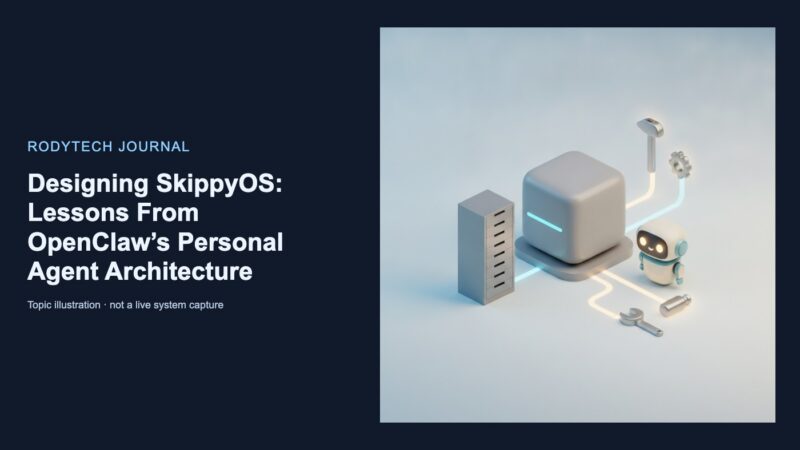
At the core of this new architecture is the Manifest configuration. This is where we define the boundaries of the agent’s world. The Manifest function allows us to describe workspace entries, set up cloud storage integrations (S3, GCS, Azure), and define the initial state of the environment. It is the blueprint for the sandbox.
Crucially, the update introduces a model-native harness that bundles tool usage via the Model Context Protocol (MCP). This is a significant move toward standardization. Before MCP, every sandbox provider had its own proprietary way of exposing tools. Now, we can write tool definitions once and deploy them across different execution environments. This reduces vendor lock-in and simplifies the development process.
The harness also includes built-in tools for shell execution and file editing via apply_patch. These are not just convenience features; they are the primary vectors for agent action. When an agent needs to refactor a codebase, it doesn’t just generate text; it applies patches to files. When it needs to debug, it runs shell commands. This makes the agent’s actions observable and auditable. We can see exactly which files were changed and which commands were run.
But we must be careful with AGENTS.md. This file serves as the agent’s custom instructions and skill discovery mechanism. It is the first thing the agent reads when it boots up. If we put vague instructions here, we get vague results. If we put precise, deterministic rules here, we get reliable behavior. The Manifest and AGENTS.md together form the contract between the developer and the agent. Break that contract, and the agent will break your pipeline.
Sandbox Patterns for Safer Automation
To build resilient pipelines, we need to adopt specific sandbox patterns. These are not just best practices; they are requirements for production safety.
Pattern 1: The Isolated Workspace
The most fundamental pattern is isolation. The sandbox must be a completely separate environment from the orchestration layer. The orchestration layer (the harness) should run in trusted infrastructure, handling the logic, the state management, and the API calls. The sandbox should handle the risky, stateful operations: file edits, shell commands, and code execution.
This separation ensures that if the agent goes rogue, the damage is contained. The agent can delete files in the sandbox, but it cannot touch the orchestration layer. It can run malicious code in the sandbox, but it cannot escape to the host network. This is not just a security feature; it is a reliability feature. If the sandbox crashes, the orchestration layer survives.
Pattern 2: Approval Gates
Long-running agents are dangerous because they can make irreversible decisions. A database write, a deployment, or a system configuration change should never be fully autonomous. We need approval gates.
The new sandbox sessions support pause and resume capabilities. This allows us to insert human-in-the-loop checkpoints. When the agent reaches a critical step, it pauses the session and waits for approval. This is not a performance hit; it is a safety net. It allows us to automate the boring, repetitive parts of the workflow while keeping humans in the loop for the high-stakes decisions.
Pattern 3: Durable Execution
Perhaps the most critical pattern is durable execution. In a distributed system, crashes are inevitable. If an agent is running a long-running task and the worker crashes, the state is lost. The agent has to start over. This is unacceptable for enterprise automation.
Integrating with workflow engines like Temporal allows us to persist the sandbox state across crashes. The agent can resume from the last completed state, ensuring that no work is lost. This is not just about reliability; it is about cost. Restarting a long-running task from scratch is expensive. Resuming it is cheap.
Choosing Your Execution Environment
The OpenAI Agents SDK supports seven officially integrated hosted sandbox providers: Blaxel, Cloudflare, Daytona, E2B, Modal, Runloop, and Vercel. It also includes built-in Docker and Unix-local clients. Choosing the right environment depends on your scale and security requirements.
For development and simple deployments, the built-in Docker client is sufficient. It is easy to set up and provides basic isolation. For production, you need a hosted provider. The choice between them often comes down to GPU access, latency, and pricing. Modal and E2B are strong contenders for GPU-heavy workloads. Cloudflare and Vercel offer edge deployment capabilities.
But the most important decision is where to run the harness. The recommended architecture is to keep the harness outside the sandbox. The harness should run in your trusted infrastructure, managing the lifecycle of the sandbox. If you run the harness inside the sandbox, you lose the ability to manage the agent’s state independently of the execution environment. This creates a tight coupling that is hard to debug and hard to scale.
Building for Production: Security and Observability
Security in sandboxed agents is not just about isolation; it is about observability. We need to trace every tool call and every handoff. This creates an audit-ready timeline of the agent’s actions. If something goes wrong, we need to know exactly what the agent did, when it did it, and why.
Preventing data exfiltration is another critical concern. The sandbox must have tight permission scoping. It should not have access to sensitive data unless explicitly granted. It should not have network access unless required. We must treat the sandbox as a hostile environment, even though it is ours.
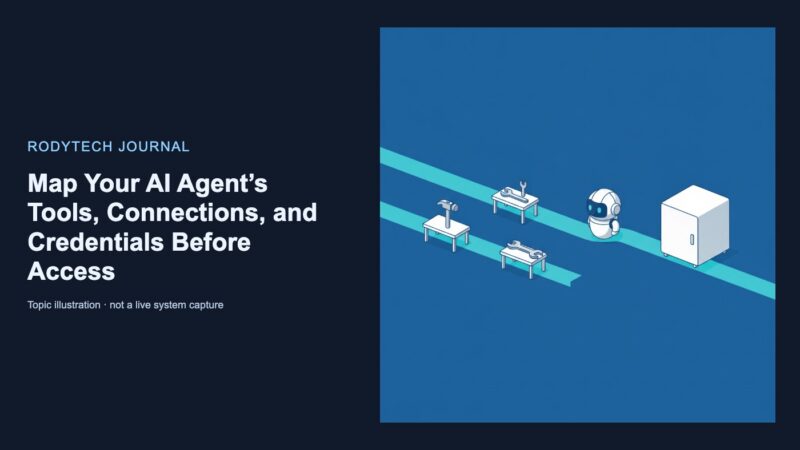
Migrating existing prototype agents to this new architecture requires a mindset shift. We need to stop thinking about agents as chatbots and start thinking about them as workers in a factory. They have tools, they have a workspace, and they have a supervisor. We need to design the factory floor, not just the worker.
This means defining clear boundaries. It means setting up approval gates. It means integrating with durable execution engines. It means choosing the right sandbox provider for the job. It means accepting that this is more complex than a simple API call, but that the complexity is the price of reliability.
The OpenAI Agents SDK provides the tools. We provide the architecture. The difference between a prototype and a production system is not the model; it is the sandbox.
No comments yet