

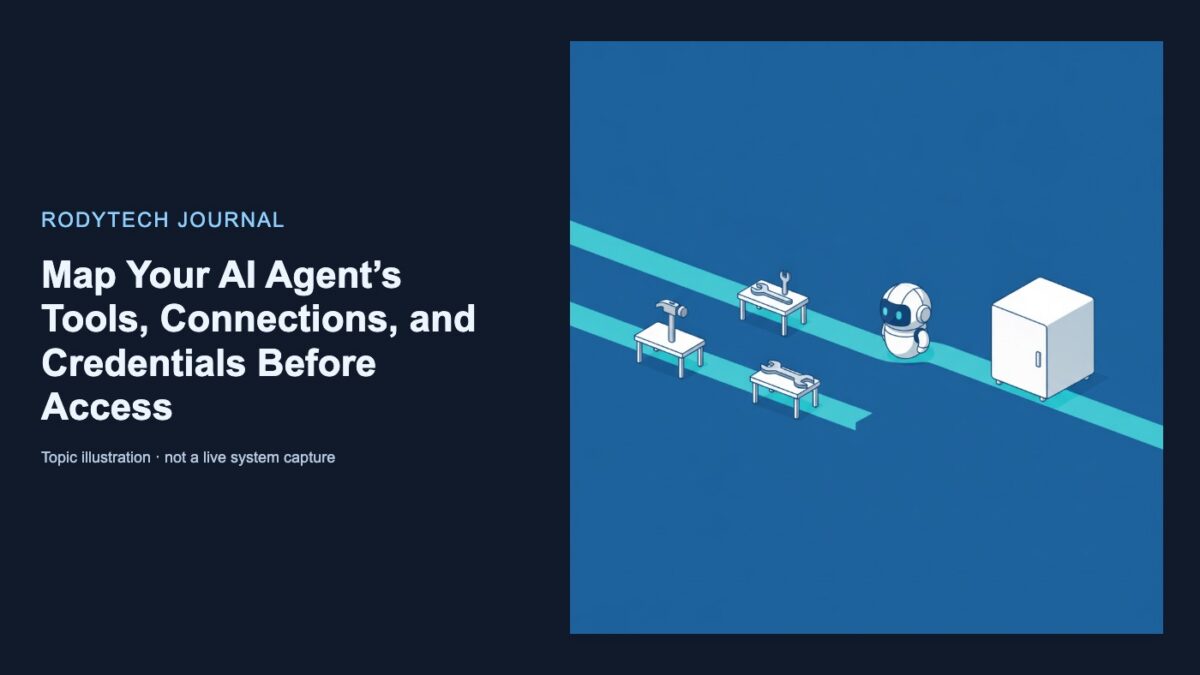
In this article
If you own a small business and are commissioning an AI customer-service or back-office agent, the decision is not simply whether it can answer questions or retrieve records. You must decide whether its access boundaries are clear enough to approve.
Ask three questions about every step:
- Where does the connection originate?
- Who executes the action?
- How does the credential reach that execution path?
“The agent accesses our system” is not a sufficient answer. In the documented OpenAI Agents API path, the computer-use browser runs in an OpenAI-hosted environment (computer-use guide). An MCP connection can originate from OpenAI or a session environment, and the applicable credential mechanisms differ by path (MCP guide).
A concrete customer-service example
Consider an agent intended to:
- read public OpenAI documentation in a hosted browser; and
- query a limited set of customer-information tools published by an MCP server.
This boundary review belongs in early customer-service automation planning, before connecting business systems.
Even this narrow workflow needs an explicit map. Do not assume that a page allows anonymous access merely because someone describes it as public. An instruction telling the agent not to sign in is not evidence that authentication is unnecessary.
The owner-and-boundary worksheet
Ask the person proposing the agent to complete a worksheet like this:
| Step | Executor and connection origin | Environment | Allowed tools | Initialization | Credential or human surface |
|---|---|---|---|---|---|
| Read OpenAI documentation in a browser | The agent chooses browser actions; the browser runs in OpenAI’s hosted environment | openai_hosted with desktop enabled |
computer_use |
Session and event handling must be established | Application handles documented approval and sign-in surfaces |
| Call HTTP MCP from OpenAI | MCP server executes the tool; OpenAI originates the connection | No session environment required | Name the permitted MCP tools with allowed_tools |
Set required: true if the turn must fail when initialization fails |
Inline session credentials or an applicable vault credential |
| Call HTTP MCP from the session environment | MCP server executes the tool; environment originates the connection | openai_hosted or self_hosted |
Name the permitted MCP tools | For self-hosting, connect the executor before tool use; choose whether initialization is required | Inline authentication or a trusted proxy, not vault-backed MCP authentication |
Run MCP over stdio |
A process in the session environment runs the server | Session environment with executable and dependencies | Name the permitted MCP tools | Define the command and absolute working directory; choose whether initialization is required | Named credentials supplied through the environment |
These requirements come from the documented computer-use and MCP configurations (computer-use guide; MCP guide). The worksheet separates facts that proposals often combine: browser location, connection origin, execution owner, environment, exposed tools, startup behavior, credentials and human intervention.
Boundary one: the hosted browser
For the documented Agents API computer-use path, OpenAI runs the browser in an OpenAI-hosted environment. Configuration requires a computer_use tool, environment.type set to openai_hosted, and environment.desktop.enabled set to true (computer-use guide).
Responsibilities are divided:
- Your application starts the session and follows its events.
- The agent uses browser observations to choose subsequent actions.
- The hosted environment runs the browser.
This describes the Agents API path in the cited guide, not every computer-use integration.
The application must keep the event stream open and handle pending approval requests. Cancelling an approval request does not cancel the underlying task (computer-use guide). This creates a human interaction surface, but it does not establish that every consequential action requires approval. Require the proposal to document the approval and sign-in surfaces supported by its workflow and the cited documentation.
Boundary two: the MCP connection
An MCP server publishes tool definitions and executes tool calls. The Agents API discovers and calls those tools, then returns the results to the agent (MCP guide).
Where the connection starts depends on configuration:
| MCP path | Connection starts from | Environment required? |
|---|---|---|
HTTP with connection_origin: "service" |
OpenAI | No |
HTTP with connection_origin: "environment" |
Session environment | Yes |
stdio |
Process in the session environment | Yes |
A service-origin HTTP server must be reachable from OpenAI. An environment-origin connection requires an OpenAI-hosted or self-hosted session environment. For a self-hosted environment, the executor must connect before the agent uses its tools (MCP guide).
This map identifies connection and execution locations. It does not show that the target system grants appropriate permissions, that a tool behaves correctly or that an operation is safe.
Tool selection is not business authorization
The allowed_tools setting limits which MCP tools the agent can discover and call. A proposal might expose customer lookup and order status while omitting a refund tool. Separately, required: true makes the turn fail if the server cannot initialize; initialization is optional by default (MCP guide).
Neither setting replaces authorization in the underlying business system. A tool’s name does not prove that it is read-only. For every allowed tool, ask:
- Can it create, update or delete data?
- What information can it return?
- What permissions does its credential have?
Match credentials to the execution path
The documented credential options depend on where the request originates:
- Service-origin HTTP MCP: Use inline authorization or headers for one session, or attach applicable reusable vault credentials.
- Environment-origin HTTP MCP: Vault-backed MCP credentials do not apply; the documented options are inline authentication or a trusted proxy.
stdioMCP: Supply credentials through the environment and list their names intransport.env_vars. Code running there can read those values.- API requests from an OpenAI-hosted sandbox: A vault
environment_variablecredential gives code a substitute value that a network proxy exchanges for the secret when contacting approved hosts.
Vault-backed MCP authentication applies only to connections from OpenAI. Credentials are matched to the MCP server URL, and credential_id selects among multiple matches. Vault environment-variable credentials require an OpenAI-hosted environment; they do not supply credentials to self-hosted environments or application-run function tools (vault guide).
Credential matching does not establish that the credential has suitable business permissions.
What to require before approval
Before approving this workflow—or considering broader AI and automation services—require an answer for every browser action and tool call:
- Where does it originate, and what process executes it?
- Which exact tools are discoverable?
- What happens if initialization fails?
- Which documented credential mechanism applies?
- Where can a person intervene?
- What authorization does the business system enforce?
This worksheet is a review aid, not a production architecture or a guarantee of safe autonomous operation. It does not establish private-network configuration, tool correctness, target-system permissions or undocumented agent lifecycle behavior. Instructions alone are not proof that an agent cannot change business data.
This explanation is based on the cited documentation. No hands-on session or tool-call test was performed.
If useful, talk through your workflow.

No comments yet